Print (PDF)
The log as a vector PDF, drawn from the same columns as the screen.
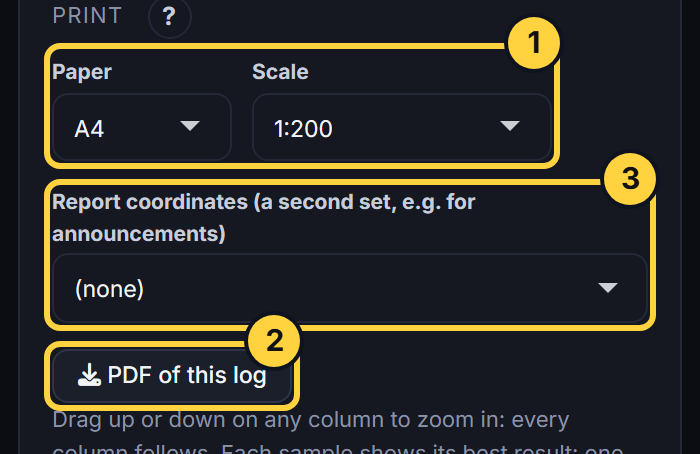
- Paper and scale: A4, A3 or Letter, at 1:100 to 1:1000 (the hole runs over as many pages as it needs, with the header on each), or the whole hole on one page.
- What is on it: The hole details, the intercepts, every column, a legend under the log for every column (codes with their colours and patterns, structure lines, value colours), the end of the hole, page numbers and how the results were chosen.
- Report coordinates: A second coordinate set for the collar, for example MGA_Z50 for an announcement. Its coordinates show under the hole, on the PDF, and in the intercept table (REPORT_EAST, REPORT_NORTH, REPORT_RL and REPORT_GRIDNAME). The sets are the ones in your workbook’s HoleCoords sheet.